5 Simple Ways To Make Your Android Phone Photos Look Instantly Better
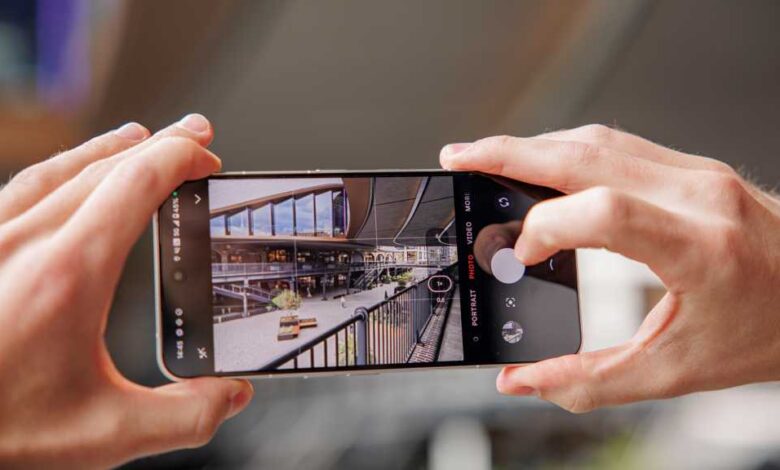
Modern Android smartphones are equipped with impressive cameras, but many everyday photos still end up being disappointing due to factors like blurry faces, overexposed skies, and lost details. However, the issue is not the technology itself but the underutilization of important camera features in spontaneous moments. By following these five simple tips, you can significantly enhance your Android phone photography without the need for expensive hardware upgrades.
- Tap and hold briefly for fixing focus and exposure: This technique works best for portraits, pets, food, or detailed shots. By tapping and holding on your desired subject for 1-2 seconds, you can lock the focus and brightness, resulting in clearer and more stable photos.
- Digital zoom up to 1.5x for more natural proportions: Use a moderate digital zoom of 1.2x to 1.5x when capturing people, objects, or street scenes from a distance. This helps reduce wide-angle distortion, making faces appear more natural and lines straighter.
- Use continuous shooting for movement: Continuous shooting is perfect for capturing fast-moving subjects like children, sports, or animals. By holding down the shutter button, you can capture a series of photos and select the best shot later, ensuring you don’t miss the perfect moment.
- Manually control exposure for high contrast situations: In situations with light and dark areas in the same frame, manually adjusting the exposure using the HDR feature can help preserve details in both areas. This results in more balanced and realistic high-contrast scenes with richer colors.
- Use the volume button as the shutter button for steadier photos: To reduce camera shake and improve stability when taking photos, consider using the volume button as the shutter button. This offers a clear pressure point and better control, especially when capturing quick snapshots.
By implementing these tips, you can reduce camera shake, capture better expressions, minimize distortion, and achieve more balanced lighting in your everyday photos. Remember, good phone photos are often the result of small adjustments rather than sophisticated technology. So, make use of these underutilized camera features on your Android smartphone to elevate your photography skills.