Technology
5 Ways to Speed Up Your Roku TV, Stick or Box
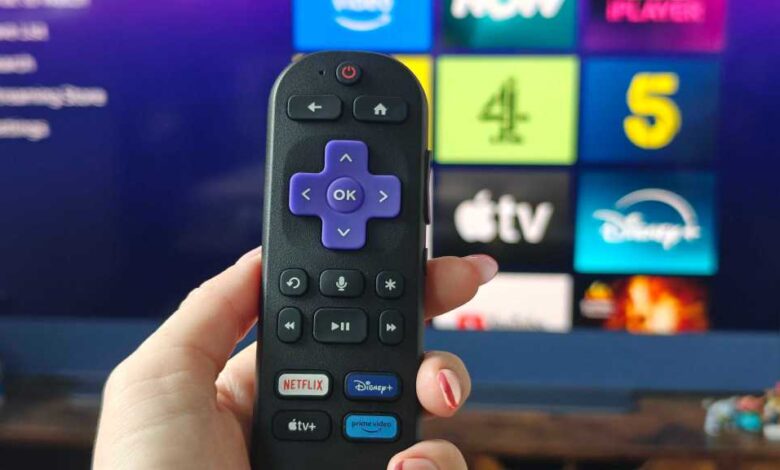
Roku TVs and streaming sticks are popular entertainment devices known for their wide range of apps and user-friendly interface. However, over time, these devices can slow down for various reasons, leading to longer loading times and frustration when trying to access your favorite shows or movies.
If you’re experiencing sluggish performance with your Roku device, there are several methods you can try to clear the cache and restore it to optimal performance. Here are some key solutions to consider:
- Restart your Roku: Restarting your Roku device can often resolve performance issues without the need for a factory reset. You can restart your Roku from the Settings menu or using the remote control by following specific steps provided by Roku.
- Unplug your Roku: If restarting doesn’t improve performance, try unplugging your Roku device from the power source for at least ten seconds. This manual approach can sometimes reset the device and improve responsiveness.
- Check the app: If you’re experiencing issues with a specific app, such as Netflix or Amazon Prime Video, it may be a problem with the app itself rather than your Roku device. Check for app updates, uninstall and reinstall the app, or check online forums for any reported issues.
- Reset your Roku’s Wi-Fi connection: Sometimes, a poor Wi-Fi connection can impact your Roku’s performance. Resetting the network connection on your Roku device and reconnecting to your Wi-Fi network can help resolve connectivity issues.
- Factory reset your Roku: As a last resort, you can perform a factory reset on your Roku device. Keep in mind that this will erase all settings, logins, and preferences, so only do this if you’ve exhausted all other options and are willing to start fresh.
If none of the above solutions work, consider reaching out to Roku’s support for further assistance. By following these steps, you can hopefully improve the performance of your Roku device and enjoy seamless streaming once again.