Hytale launcher download error: Possible fixes explored
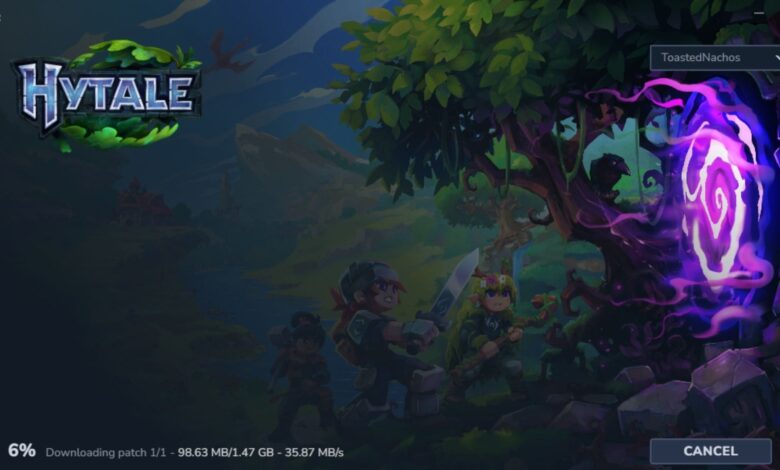
The highly anticipated Hytale launcher has finally opened downloads for gamers eager to jump into the RPG world after a long wait. However, many players are encountering issues while trying to download the necessary game files on their devices. Here are some potential fixes to address the Hytale launcher download error.
### Hytale Launcher Error During Download: Possible Fixes Explored
Numerous users have reported encountering a Hytale launcher error when attempting to download the essential game files. Since the launcher is crucial for running the game, it is essential to troubleshoot these errors to access the Hytale universe.
If you are facing a similar issue where the error message states, “error applying update to ‘game’: error downloading patch 0: error downloading file from…,” follow these steps to potentially resolve the problem:
#### 1) Relaunch the Installer
If you experience difficulties with downloading or installing Hytale, try clicking the “Relaunch” button after a failed installation. This will redirect you to the homepage where you can click the “Install” button to restart the installation process.
If the error persists, open Task Manager or System Monitor on your respective platform, close the Hytale launcher, and rerun the launcher to commence the installation from scratch.
#### 2) Reinstall the Launcher
If relaunching the installer does not work, consider uninstalling and reinstalling the Hytale launcher. Open the launcher, click the gear icon on the top-left corner, select the “Uninstall” tab, and then choose the “Reset Game Settings” option to restore the launcher to default settings. Once done, click “Relaunch” and proceed with the installation by clicking “Install.”
#### 3) Run Hytale Launcher as Administrator
If the above steps do not rectify the issue, attempt running the Hytale launcher as an administrator. On Windows, right-click the launcher application and choose “Run as Administrator.” For Linux users, utilize the Sudo command to run the launcher with administrator privileges.
By following these troubleshooting steps, users can potentially overcome the Hytale launcher download error and enjoy a seamless gaming experience. Remember to explore other helpful articles for additional gaming insights and tips.