Transfer to Android Tool Arrives on iPhone
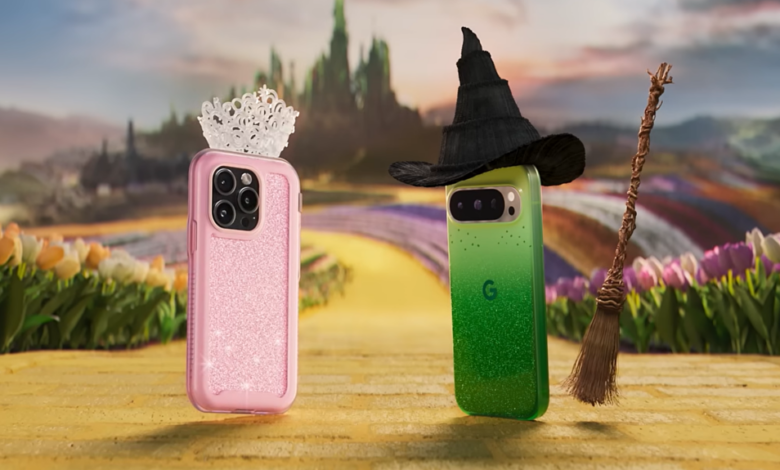
Apple has recently launched iOS 26.3 with a significant addition – a built-in ‘Transfer to Android’ tool. This tool replaces the previous Switch to Android app, making it easier for users to switch from iPhone to Android devices.
To access the Transfer to Android tool, users can navigate to Settings > General > Transfer or Reset iPhone > Transfer to Android. With this new feature, transferring data from an iPhone to an Android phone is simplified. By placing both devices on the same Wi-Fi network with Bluetooth enabled, users can initiate a data transfer seamlessly.
The transferred data includes photos, messages, apps, and even eSIM numbers. However, health data, paired Bluetooth devices, and protected items like notes and images are not transferred due to privacy concerns.
The transfer process is initiated by scanning a QR code displayed on the Android device screen. This user-friendly feature from Apple comes as a surprise, as the company is known for its closed ecosystem. The move towards platform interoperability may have been influenced by EU regulations promoting seamless switching between platforms.
Additionally, iOS 26.3 introduces support for high-bandwidth Wi-Fi in peer-to-peer settings, essential for the Transfer to Android feature. Proximity pairing of third-party devices like Bluetooth headphones and smartwatch notification forwarding are also included in this update.
Furthermore, devices with Apple’s own modem, such as the iPhone 16e, iPhone Air, and iPad Pro (M5), now have the ability to limit precise location sharing with cellular networks.
Overall, these additions in iOS 26.3 aim to enhance user experience and promote interoperability between different platforms. Whether you’re switching from iPhone to Android or looking to integrate different devices seamlessly, Apple’s latest update offers a range of new features to explore.