Technology
7 Ways To Improve Your Android Phone Battery Life
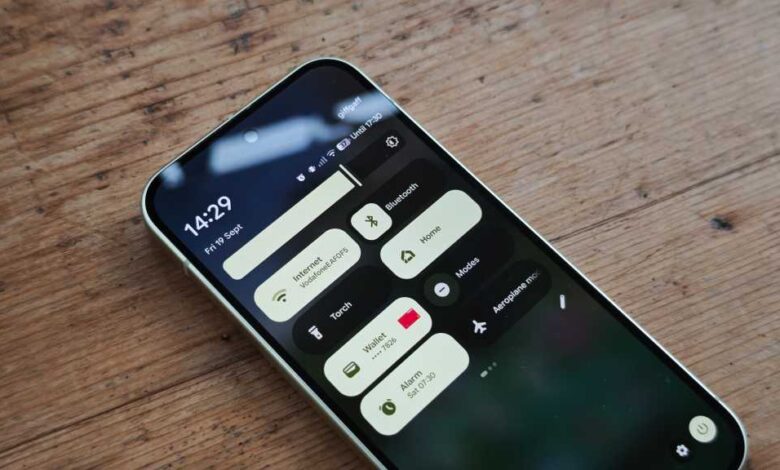
The key to maximizing the lifespan of your Android phone lies in optimizing its battery life. Without a charged phone, all the apps and features are rendered useless. Whether you have a new smartphone or an older one, these tips are aimed at extending your battery life by up to 25%. Best of all, these tips are easy to implement since they are all part of the standard Android operating system.
- Turn off the always-on display: The always-on display feature is convenient for checking notifications, but it can drain your battery quickly. To save power, disable this feature in your phone settings. You can also adjust the brightness and turn off adaptive brightness to further conserve battery.
- Disable GPS when not in use: Location Services, which constantly uses GPS, can be a major drain on your battery. If you’re not actively using navigation apps, disable Location Services in your phone settings to save power.
- Remove resource-intensive apps: Apps like Facebook, TikTok, and Instagram can consume a lot of battery power. Consider removing these apps when not in use to improve battery life and increase productivity.
- Try bedtime mode: Bedtime mode reduces phone usage by making the screen less appealing. It dims the screen and switches to black and white, discouraging prolonged use. You can find this feature in the Digital Wellbeing section of your phone settings.
- Place your phone face down: Enabling "Flip to Shh" in your phone settings allows you to place your phone face down to disable notifications and calls, except from your favorite contacts. This can help reduce distractions and save battery power.
- Check your usage score: Monitor your Digital Wellbeing usage to see which apps are consuming the most battery. Consider removing or limiting usage of these apps to extend your phone’s battery life.
- Reduce the screen timeout time: Shortening the time it takes for your screen to turn off can significantly impact battery savings. Adjust the screen timeout settings in your phone to a shorter duration to conserve power.
By implementing these tips and tricks, you can effectively extend the battery life of your Android phone. Each tip may have a modest impact individually, but when combined, they can make a noticeable difference in how long your phone lasts on a single charge. Give them a try and see the results for yourself.